§1·Who it's for
Made for the diagram-prone.
If your notes keep turning into boxes and arrows, stop forcing them into bullet lists. This notebook is shaped like your thinking.
Software engineers
Architecture sketches before the RFC, incident scribbles during, postmortem diagrams after.
system designs · API flows · debug maps
Engineering students
Lecture notes where the diagram sits next to the derivation — not in a separate app.
lecture notes · algorithm traces · exam sheets
Interview candidates
Whiteboard practice on infinite paper. Review last week's rounds, keep the good ones.
system design rounds · DSA walkthroughs
Leads & educators
Explain the system once, export the SVG, drop it in the wiki and the slide deck.
talk figures · onboarding maps · wiki diagrams
§2·The flow
Scribble. Shape. Ship.
Boxes, arrows, freehand, code blocks. Capture the thought at the speed you think it.
AI beautify aligns the mess. Handwriting becomes text. Only when you ask.
Export SVG or PNG straight into the RFC, the README, or the slide.
§3·Tool sheet
Six tools.
No ribbon menus.
Everything earns its keyboard shortcut. The canvas stays quiet until you reach for something.
Browse your pages in the dashboardspec sheet — rev 0.9
- 01
AI beautify
Sketch the messy version. One tap aligns the boxes, straightens the arrows, and keeps the hand-drawn voice.
- 02
Handwriting → text
Write with stylus, mouse, or finger. Convert strokes to type when the thought settles — or never.
- 03
Infinite canvas
Sub-frame pointer latency, endless zoom. Pan from the big picture to the edge case without changing pages.
- 04
Pages & folders
A semester of notes or a codebase of designs, nested and thumbnailed so October's diagram is findable in March.
- 05
Open export
PNG, SVG, or raw JSON. Paste straight into the README, the RFC, or the slide. No lock-in.
- 06
Offline-first
Pages save to your device first and sync later. Lecture halls with bad wifi were a design requirement.
§4·Before / after
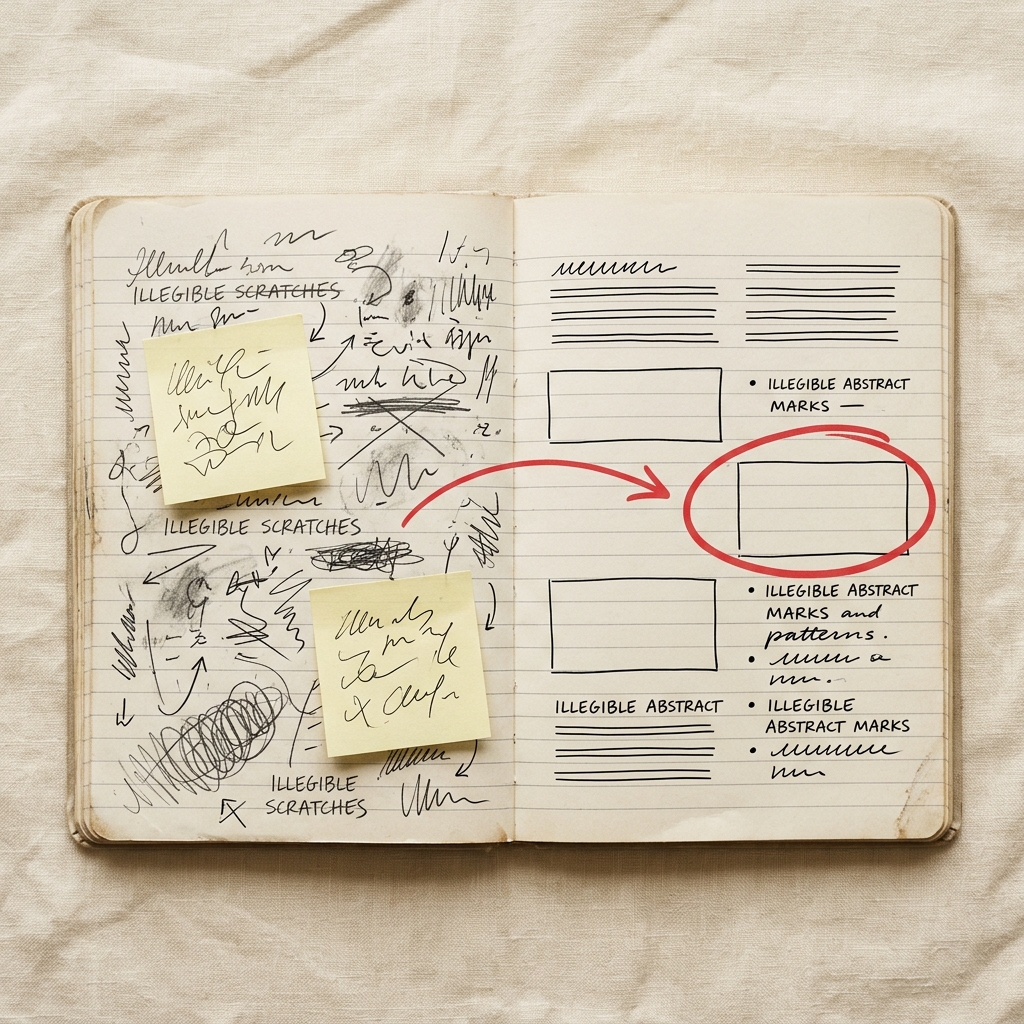
Rough is a feature.
Early thinking should look early — polish too soon and you stop questioning it. Sketch Forge never cleans up behind you. When a diagram graduates into a doc, beautify it on your own Gemini key, straight from the browser.
your key · your canvas · your call
§5·Margin notes
Asked in the margins.
Q.01
Who is Sketch Forge for?
Developers, CS and engineering students, and anyone whose notes keep turning into boxes and arrows — system designs, lecture notes, algorithm traces, study sheets.
Q.02
Do I need an account?
No. Open the canvas and start drawing. An account only matters when you want to sync pages across devices.
Q.03
Does it work offline?
Yes. Pages save to local storage instantly and sync when you're back online. Flaky lecture-hall wifi can't lose your notes.
Q.04
Is my data private?
Your sketches stay on your device by default. AI features run only when you trigger them, and nothing is used for anything else.
Q.05
What runs the AI features?
You bring your own Gemini API key. Requests go from your browser to Google directly — nothing routes through our servers.
Q.06
Is it free?
The beta is free. Everything you make is exportable as PNG, SVG, or JSON, so nothing you draw is ever stuck here.
§6·Last page
Start a page.
The canvas opens in about a second. No account, no template picker, no onboarding tour — just paper that doesn't end.